NIST Risk Management Framework: Complete RMF Guide
The NIST Risk Management Framework (RMF) provides a structured, repeatable process for managing security and privacy risks in information systems. Originally developed for federal agencies, the RMF has become the gold standard for organizations of all sizes that need a disciplined approach to cybersecurity risk management.
If you work with government contracts, handle controlled unclassified information (CUI), or simply want a proven methodology for managing security risks, this guide walks you through every step of the RMF process. Startups and SMBs pursuing government contracts will find the RMF especially relevant, as it is a prerequisite for CMMC certification and FedRAMP authorization.
What Is the NIST Risk Management Framework?
The RMF is defined in NIST Special Publication 800-37 Revision 2, published by the National Institute of Standards and Technology. It provides a seven-step process for integrating security, privacy, and risk management into the system development lifecycle.
Unlike compliance checklists that focus on point-in-time assessments, the RMF is designed as a continuous cycle. You prepare, categorize, select controls, implement them, assess their effectiveness, authorize the system, and then monitor on an ongoing basis.
Who uses the RMF:
- Federal agencies (mandatory under FISMA)
- Defense contractors handling CUI (required for CMMC compliance)
- State and local governments adopting federal standards
- Private sector organizations, startups, and SMBs seeking a mature risk management methodology
- Healthcare organizations aligning HIPAA security requirements with NIST guidance
The Seven Steps of the NIST RMF
Step 1: Prepare
The Prepare step was added in RMF Revision 2 (2018) to address a gap in the original framework. Many organizations jumped straight into categorization without establishing the organizational context needed for effective risk management.
Organization-level preparation:
- Assign key roles: Risk Executive, Chief Information Security Officer (CISO), Authorizing Official (AO), System Owner, Security Control Assessor
- Establish a risk management strategy that defines risk tolerance and acceptable risk levels
- Identify common controls that can be inherited across multiple systems
- Develop an organization-wide assessment plan and monitoring strategy
System-level preparation:
- Define the system boundary (what is included and excluded from the authorization scope)
- Identify all system stakeholders and their security/privacy requirements
- Conduct an initial risk assessment to understand the threat landscape
- Determine the system's role within the enterprise architecture
Why this step matters: Organizations that skip preparation spend 40-60% more time on later steps because they lack the context to make efficient decisions about control selection and implementation.
Step 2: Categorize
Categorization determines the security impact level of the information system based on the potential harm from a security breach. This step directly drives how many controls you need to implement.
Process:
- Identify all information types processed, stored, or transmitted by the system (use NIST SP 800-60 as a guide)
- Determine the potential impact (Low, Moderate, or High) for each information type across three security objectives:
- Confidentiality: Impact of unauthorized disclosure
- Integrity: Impact of unauthorized modification
- Availability: Impact of disruption to access
- Assign the system's overall categorization based on the highest impact level across all information types (high water mark)
- Document the categorization in the System Security Plan (SSP)
Example: A system processing financial data might be categorized as Moderate for confidentiality (disclosure causes serious harm), Low for integrity (errors are detectable and correctable), and Moderate for availability (downtime causes significant operational impact). The overall system categorization would be Moderate.
Step 3: Select
Based on the system's categorization, you select an initial set of security and privacy controls from NIST SP 800-53 Revision 5.
Process:
- Start with the control baseline (Low, Moderate, or High) matching your system categorization
- Apply tailoring guidance to adjust controls based on your specific environment, technology, and operational needs
- Add supplemental controls to address specific threats or risks identified during categorization
- Identify common controls provided by the organization (shared infrastructure, centralized services)
- Document all control selections with justification in the SSP
Control baselines by impact level:
| Impact Level | Approximate Controls | Example System Types | |-------------|---------------------|---------------------| | Low | ~130 controls | Public-facing informational websites | | Moderate | ~260 controls | Business applications, email systems | | High | ~325 controls | Financial systems, classified networks |
Tailoring considerations:
- Remove controls that are not applicable to your technology (e.g., wireless controls if no wireless is used)
- Add controls for specific threats in your environment
- Adjust control parameters (e.g., password length, audit retention period)
- Identify compensating controls where primary controls cannot be implemented
Step 4: Implement
Implementation is where controls move from documentation to reality. This is typically the most time-consuming step, often taking 3 to 12 months depending on system complexity.
Process:
- Deploy technical controls (firewalls, encryption, access controls, logging)
- Establish operational controls (incident response procedures, backup processes, physical security)
- Create management controls (risk assessments, security plans, training programs)
- Document how each control is implemented in the SSP
- Update system architecture diagrams and data flow documentation
Common challenges:
- Resource constraints. Moderate and High systems require hundreds of controls. Prioritize based on risk.
- Legacy systems. Older systems may not support modern controls. Document compensating controls.
- Third-party dependencies. Cloud providers and SaaS vendors must satisfy their portion of shared controls.
Step 5: Assess
Assessment evaluates whether your implemented controls are operating correctly, producing the desired security outcome, and meeting security requirements.
Process:
- Develop a Security Assessment Plan (SAP) defining the assessment scope, methodology, and procedures
- Conduct the assessment using interviews, documentation review, testing, and examination
- Document findings in a Security Assessment Report (SAR)
- Identify any plan of action and milestones (POA&M) for controls that do not fully satisfy requirements
Assessment methods:
- Examine: Review documentation, logs, configurations, and policies
- Interview: Talk with system administrators, developers, and users to verify understanding and execution
- Test: Actively test controls through vulnerability scanning and penetration testing to verify they work as intended
Who conducts the assessment:
- Internal assessors (for Low-impact systems or interim assessments)
- Independent third-party assessors (required for Moderate and High-impact federal systems)
- The assessing organization must be independent from the team that implemented the controls
Step 6: Authorize
Authorization is the formal decision by the Authorizing Official (AO) to accept the residual risk and allow the system to operate. This is not a rubber stamp: the AO reviews the complete security authorization package and makes a risk-based decision.
Authorization package contents:
- System Security Plan (SSP)
- Security Assessment Report (SAR)
- Plan of Action and Milestones (POA&M)
- Supporting artifacts (network diagrams, data flow diagrams, policies)
Authorization decisions:
- Authorization to Operate (ATO): System is approved for production use, with any conditions or time limits
- Denial of Authorization: Risks are unacceptable; system cannot operate until issues are resolved
- Common Control Authorization: Shared controls are approved for inheritance by multiple systems
ATO validity: Traditional ATOs were valid for three years before requiring reauthorization. NIST now promotes ongoing authorization through continuous monitoring, reducing the need for periodic full reauthorizations.
Step 7: Monitor
Continuous monitoring is the final (and ongoing) step. It maintains awareness of your security posture and ensures controls remain effective as threats and systems change.
Monitoring activities:
- Track changes to the system and assess their security impact
- Perform ongoing assessments of control effectiveness (not just annual)
- Report security status to the AO and other stakeholders
- Update the SSP, SAR, and POA&M as changes occur
- Respond to and document security incidents
- Conduct periodic risk reassessments
Monitoring frequency guidelines:
| Activity | Minimum Frequency | |----------|------------------| | Vulnerability scanning | Monthly (quarterly at minimum) | | Configuration compliance checks | Weekly to monthly | | Audit log review | Daily to weekly | | Control effectiveness testing | Quarterly to annually | | Risk reassessment | Annually or after significant changes | | POA&M review | Monthly |
How the RMF Connects to Other Frameworks

The RMF does not exist in isolation. It integrates with and supports several other compliance frameworks:
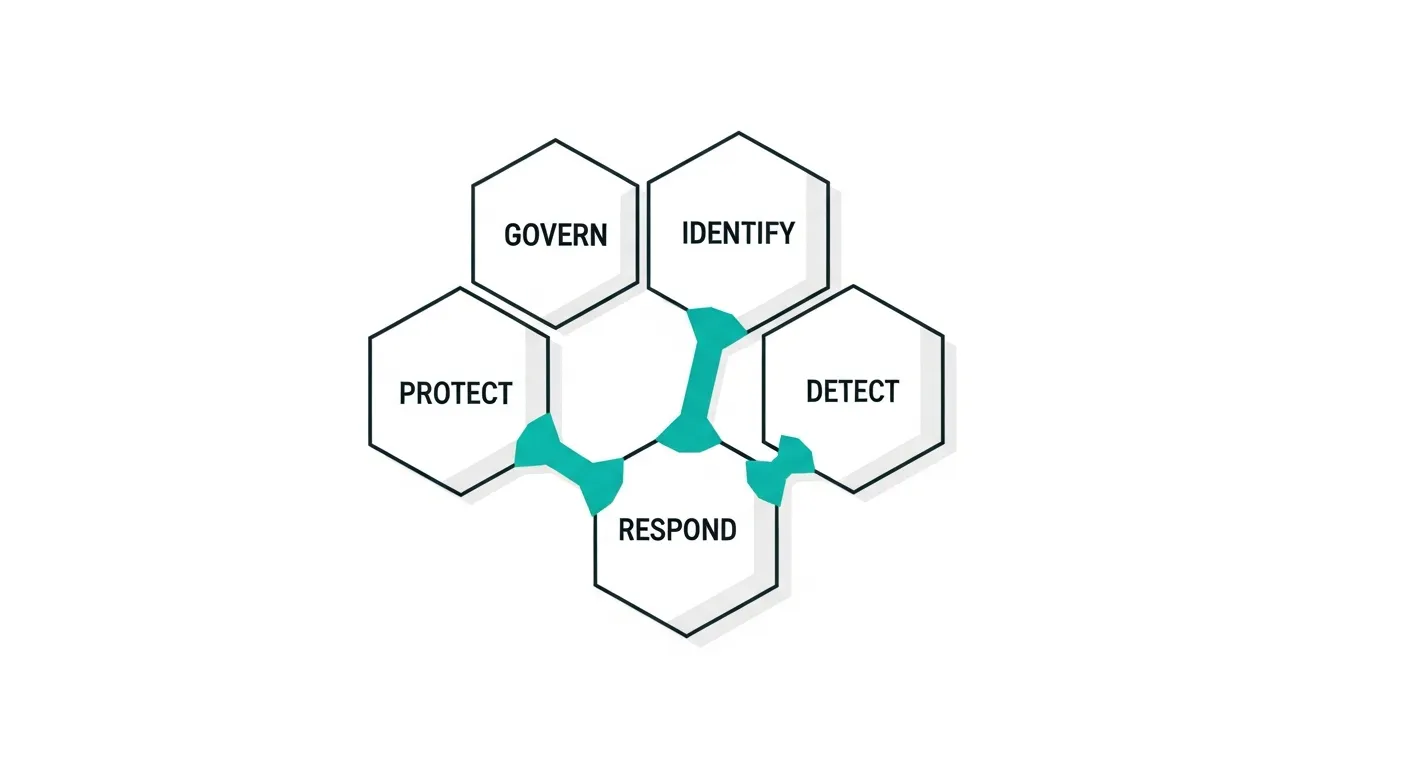
- NIST CSF 2.0: The CSF's six functions (Govern, Identify, Protect, Detect, Respond, Recover) map to RMF activities. Use CSF for strategic risk communication and RMF for operational implementation.
- NIST 800-171: Organizations protecting CUI use 800-171's derived control set (a subset of 800-53 Moderate baseline). The RMF provides the process for implementing and assessing these controls.
- NIST 800-53: The RMF's control catalog. Step 3 (Select) pulls directly from 800-53.
- CMMC: The Cybersecurity Maturity Model Certification maps to NIST 800-171 controls, which are implemented using the RMF process.
- FedRAMP: Cloud service providers use the RMF to achieve FedRAMP authorization, with additional requirements for cloud-specific controls.
- ISO 27001: While ISO 27001 uses its own risk assessment methodology, organizations pursuing both can map ISO 27001 Annex A controls to NIST 800-53 to reduce duplicate effort.
Common RMF Implementation Mistakes
Treating categorization as a formality. Under-categorizing to reduce the number of required controls is the most expensive mistake you can make. An audit finding or breach will force recategorization, potentially invalidating months of work.
Documenting after the fact. Writing the SSP after implementation leads to inaccuracies. Document controls as you implement them.
Ignoring inherited controls. Many organizations implement controls that are already provided by their cloud provider or shared infrastructure. Identify and inherit these to reduce effort.
Skipping the Prepare step. Jumping straight into categorization without establishing roles, risk tolerance, and common controls causes rework in every subsequent step.
Treating authorization as the finish line. An ATO means you can operate, not that you are done. Continuous monitoring is where real security happens.
Frequently Asked Questions
Is the NIST RMF mandatory for private sector organizations?
The RMF is mandatory for federal agencies under FISMA and for defense contractors under DFARS/CMMC. For private sector organizations, it is voluntary but widely adopted as a best practice. Organizations in regulated industries (healthcare, financial services) often find the RMF's structured approach easier to defend to auditors than ad hoc security programs.
How long does it take to complete the RMF process?
For a new system, initial RMF implementation typically takes 6 to 18 months depending on system complexity and impact level. Low-impact systems can be authorized in 3 to 6 months. High-impact systems routinely take 12 to 18 months. After initial authorization, continuous monitoring is ongoing.
What is the difference between the RMF and the NIST Cybersecurity Framework?
The CSF is a voluntary framework that helps organizations manage cybersecurity risk at a strategic level. The RMF is a mandatory (for federal) process for authorizing information systems at an operational level. The CSF tells you what outcomes to achieve. The RMF tells you how to achieve them through a structured seven-step process.
Can I use the RMF for cloud systems?
Yes. NIST SP 800-37 Rev 2 explicitly addresses cloud environments. The key consideration is defining the shared responsibility boundary between your organization and the cloud provider. FedRAMP extends the RMF specifically for cloud service providers seeking to serve federal agencies.
What tools support RMF implementation?
Several GRC platforms support the RMF process, including eMASS (used by the DoD), CSAM, Xacta, and commercial platforms like Vanta, Drata, and Secureframe that can map controls to NIST 800-53. These tools automate evidence collection, track POA&M items, and generate authorization packages.